
Apple Watch app
The cleanest, easiest and best sailing start timer on Apple Watch. Set your sequence, press the Action button on Apple Watch Ultra and feel every minute through haptics — with live distance to the start line and an over-early warning at the gun.

Free. No in-app purchases, no subscriptions.
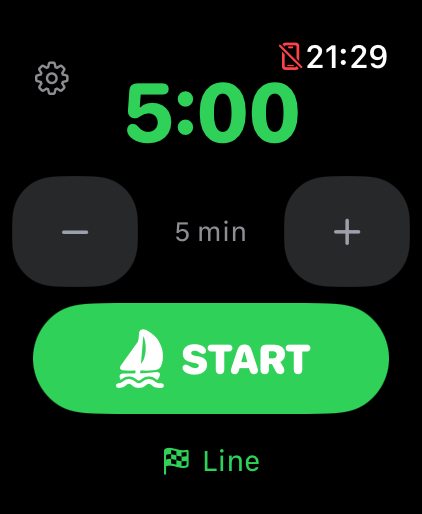
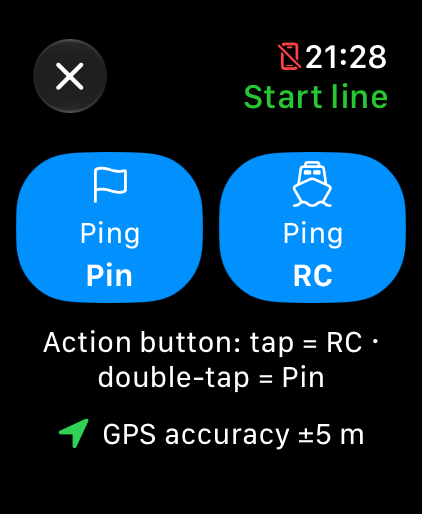
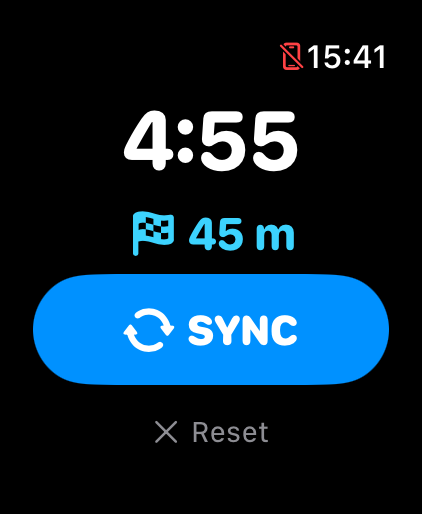
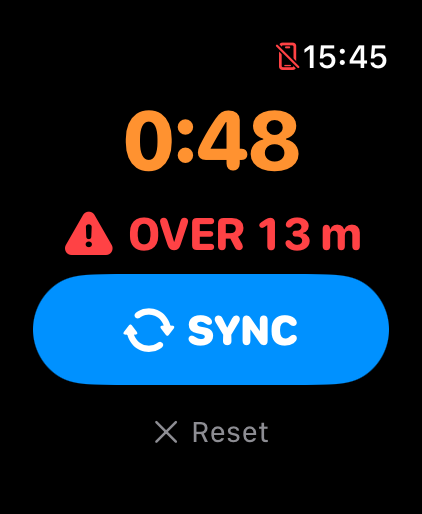
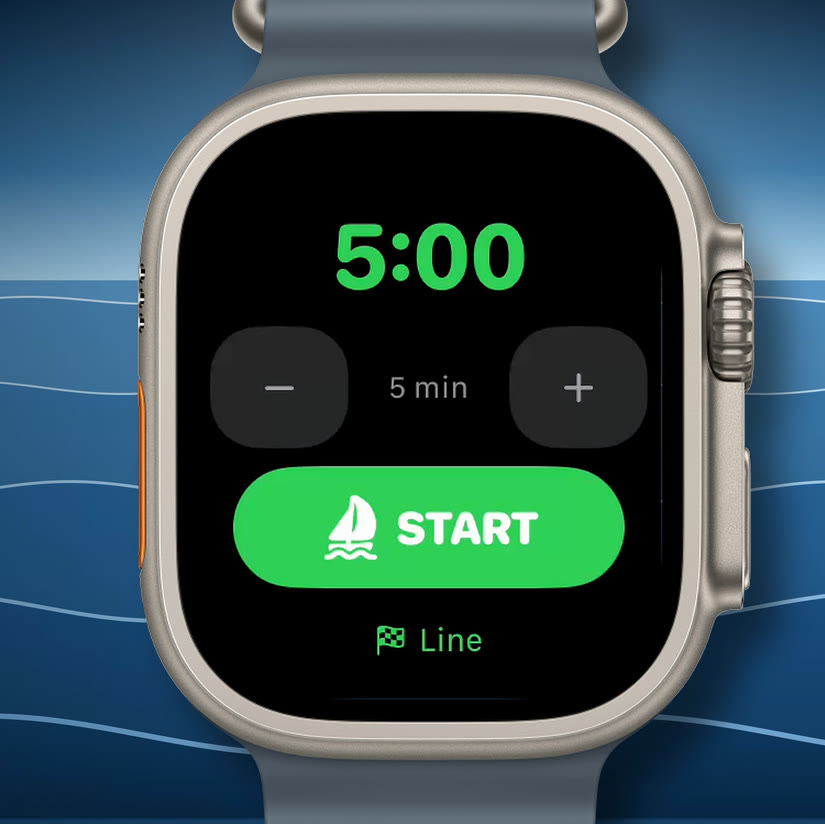
The feature that makes Start Timer special — and one only Apple Watch Ultra can offer, because the Action button exists only on Ultra. Press it to start the sequence; press again during the countdown to snap to the nearest whole minute and stay in step with the committee boat. On other Apple Watch models, use the on-screen buttons.
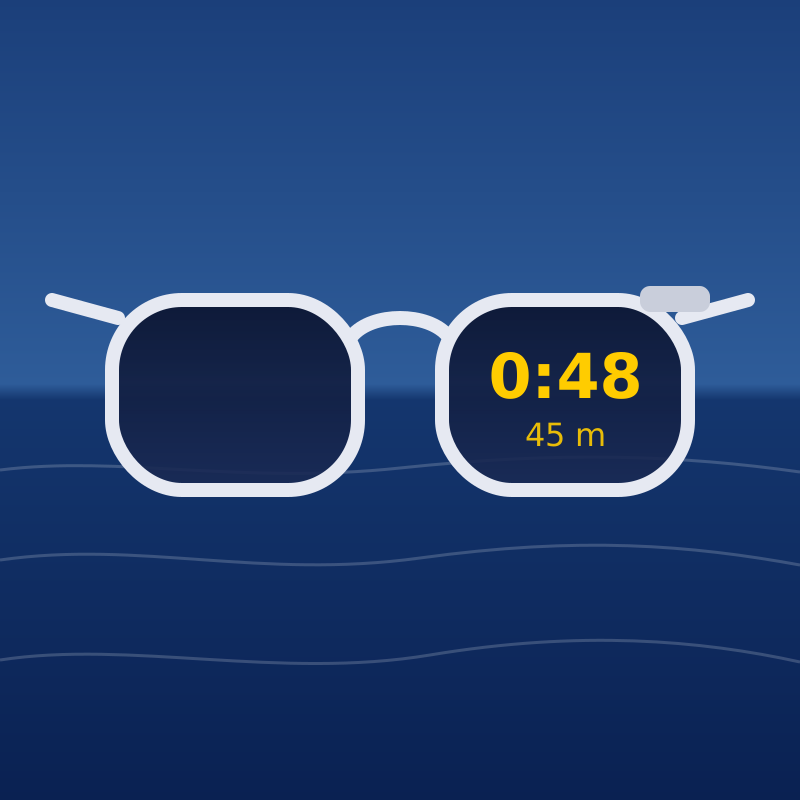
Truly unique: as far as we know, Start Timer is the only sailing app for smart glasses. Once the start sequence is running, you don't need to check your watch. Keep your focus on sailing and trimming, and see the timer and distance to the start line without raising your arm or turning your head. Works with ActiveLook smart glasses (opens in new window) (e.g. ENGO), connected straight from the watch over Bluetooth.
Set a countdown from 1 to 60 minutes — five by default. At the gun the timer rolls straight into a count-up race clock.
Strong alerts at 4:00 and 1:00, gentle taps at 3:00, 2:00, 0:30, 0:20 and 0:10, a tap every second through the last five, and a strong burst at the gun. Marks are caught even when your wrist is down and the screen has dimmed.
Ping the committee boat (RC) and pin ends as you sail past them, then watch your distance to the line. With the line screen open, the Action button taps in RC and double-taps in Pin.
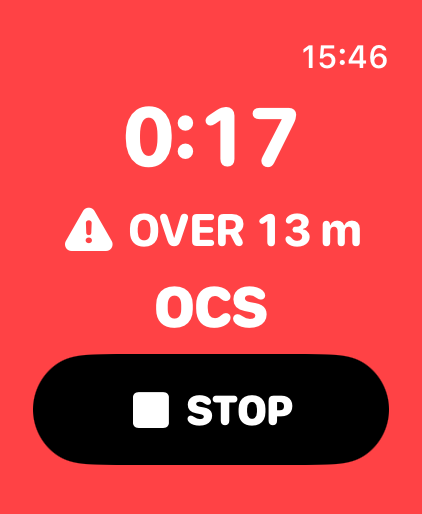
Get a haptic alarm if you cross to the course side during the countdown, a clear OCS flag at the gun, and a green all-clear for ten seconds once you are back on the pre-start side.
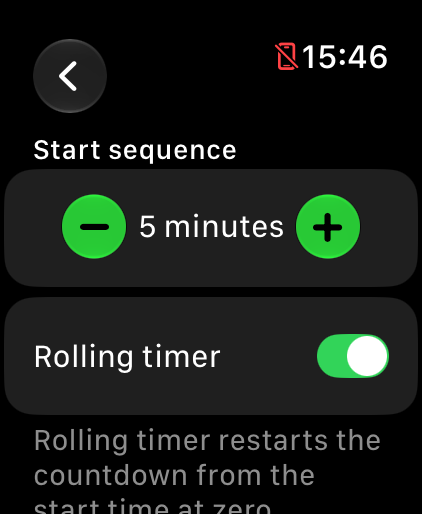
Practising starts? Turn on the rolling timer and the countdown restarts from your start time at zero instead of moving on to the race clock.
Big numerals you can read at a glance, one-handed controls, and a display that stays accurate while dimmed. It runs on the watch alone — no account, no analytics, no tracking.
Sailibre Start Timer is an independent app and is not endorsed or sponsored by ActiveLook or ENGO. ActiveLook and ENGO are trademarks of their respective owners. Apple, Apple Watch and App Store are trademarks of Apple Inc.